Faulty or missed welded joints lead to high manufacturing costs. The earlier these faults are identified in the manufacturing process, the quicker it is to respond to them.
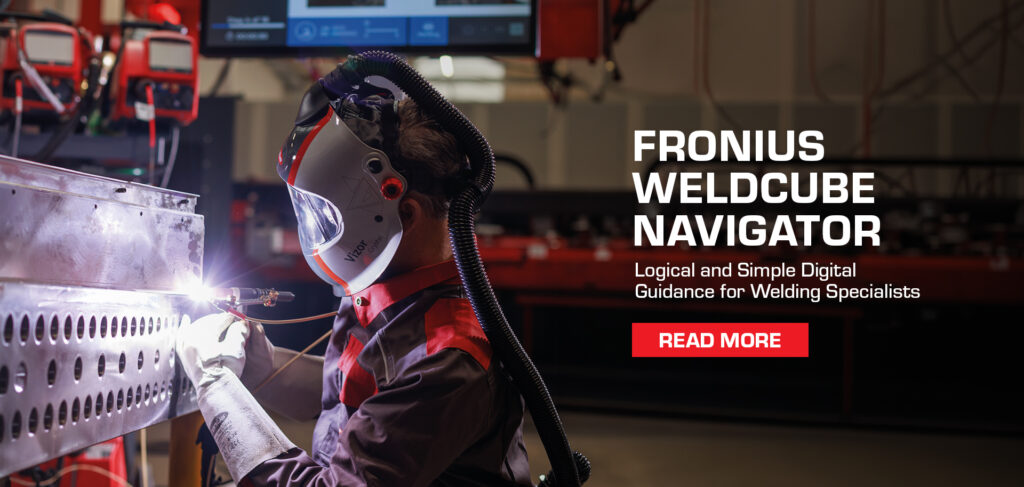
The WeldCube Navigator is a real-time feedback solution for welding specialists that helps standardise manufacturing processes and avoid errors, increasing the quality of production.
Real-Time Feedback and Step-by-Step Guidance
In a pre-defined step-by-step guide, the welding specialist is guided safely through their tasks at the workstation. The work steps are visualised on a suitable display and the correct welding parameters are directly set on the power source.
Key capabilities include:
- Workflow – visual guidance through the welding process based on a pre-defined sequence
- Automatic setting of specified jobs during welding
- Real-time alerts in case of an error (missed/incomplete seams, limit violations)
- Lock facility in the case of an error until released by a supervisor
- Torch navigation: operation via the welding torch
This structured approach helps improve welding quality and minimise the risk of error.
Two Functions in One Tool
The WeldCube Navigator combines two core functions:
The Sequencer
The sequencer guides the welding specialist through the work process step-by-step. Live monitoring and error alerts enable quick response and correction to minimise waste and rework.
The Editor
The editor digitises and visualises work instructions for manufacturing. Digital work instructions for manual welding production can be created and saved, including:
- Individual illustrations for each work step
- Specification of welding parameters (jobs)
- Definition of the number of allowed seams
- Defined response in the case of an error
- General work steps for preparatory tasks, intermediate steps and rework
Improve Welding Quality and Shorten Training Periods
Incorrectly used welding parameters or failing to follow the correct welding sequence can present challenges in the manufacturing process. With the WeldCube Navigator, distortion or incorrect welding parameters can be avoided.
Supported by the system, new welding specialists can quickly get started in manufacturing. The system specifies which seams are to be welded using which parameters, helping shorten the training and familiarisation period.
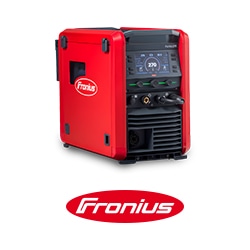
Compatible Fronius Systems
The WeldCube Navigator can be used for MIG/MAG or TIG welding with:
- TPS/i
- iWave
- WF 25i Dual
When used in combination with these welding systems, the software optimally supports the production of high-quality welds and keeps flaws to a minimum.
Seamless Integration and Data Documentation
Additional digital solutions in the Fronius WeldCube portfolio add further functionality, including:
- Central User Management
- WeldCube Premium
- WeldCube Air
These solutions support welding data documentation, management, analysis and graphical visualisation.
WeldCube Navigator helps you to unleash your welding potential, logically and simply.
Reach out to SMENCO to learn more.